
A website that's ready for buyers
- Choose a style for your company, one project or a campaign.
- Add project details, gallery, layouts, location and an enquiry form.
- Preview privately and publish when you're ready.
- Use your own domain.
IND EstatePilot for real-estate builders
Set up a branded website for your company or each project in simple guided steps, then manage every enquiry, follow-up and site visit in a built-in CRM. No developer needed.
One plan, GST included. Creating an account is free of charge. Publish when you're ready.
Lead pipeline
Sample dataNew
Buyer A
3 BHK · Website enquiry
Not yet contacted
Buyer B
2 BHK · Property portal
Not yet contacted
Contacted
Buyer C
3 BHK · Referral
Follow-up today
Qualified
Buyer D
4 BHK · Walk-in
Budget noted
Site visit scheduled
Buyer E
2 BHK · Campaign
Visit on Saturday
Two things builders need, together
Go live in four simple steps
01
Free of charge. Open your workspace and add your company profile when you're ready.
02
Enter the details, photos and location of your development.
03
Choose a style, colours and fonts, and see the change on your website.
04
When everything is ready, go live, on your own domain if you like.
Each step has a plain guide. Browse the guides
Teams & roles
Invite your Sales team from inside your workspace. Each person sees what they need.
Sets everything up: websites, developments, publishing, team members and billing.
Works their assigned leads: adds notes, sets follow-ups and schedules site visits.
Follows along on the leads you choose to share, without changing anything.
See it before you start
One for each website foundation. They use invented sample content.
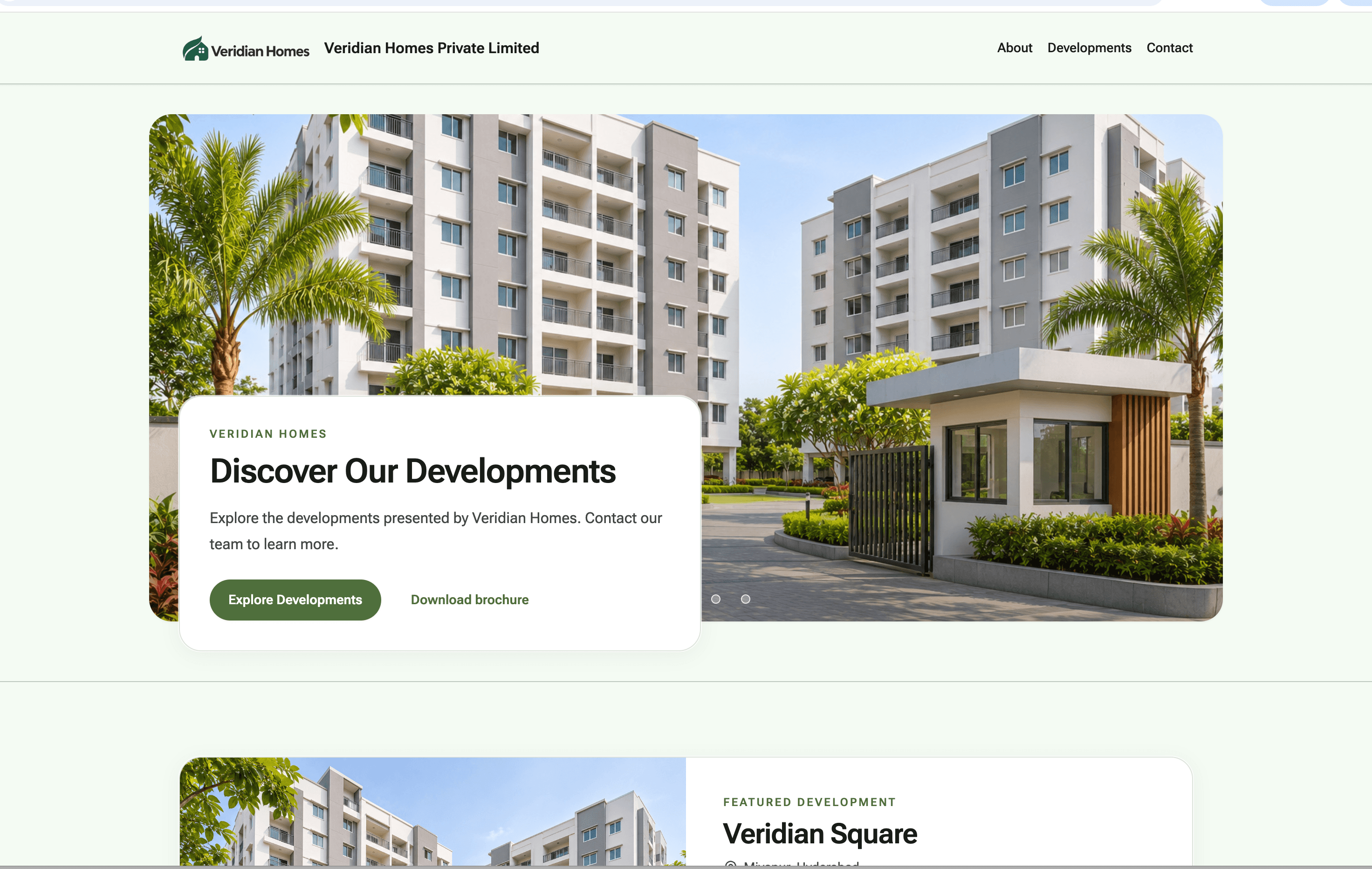
Family & Affordable
Practical homes for growing families.
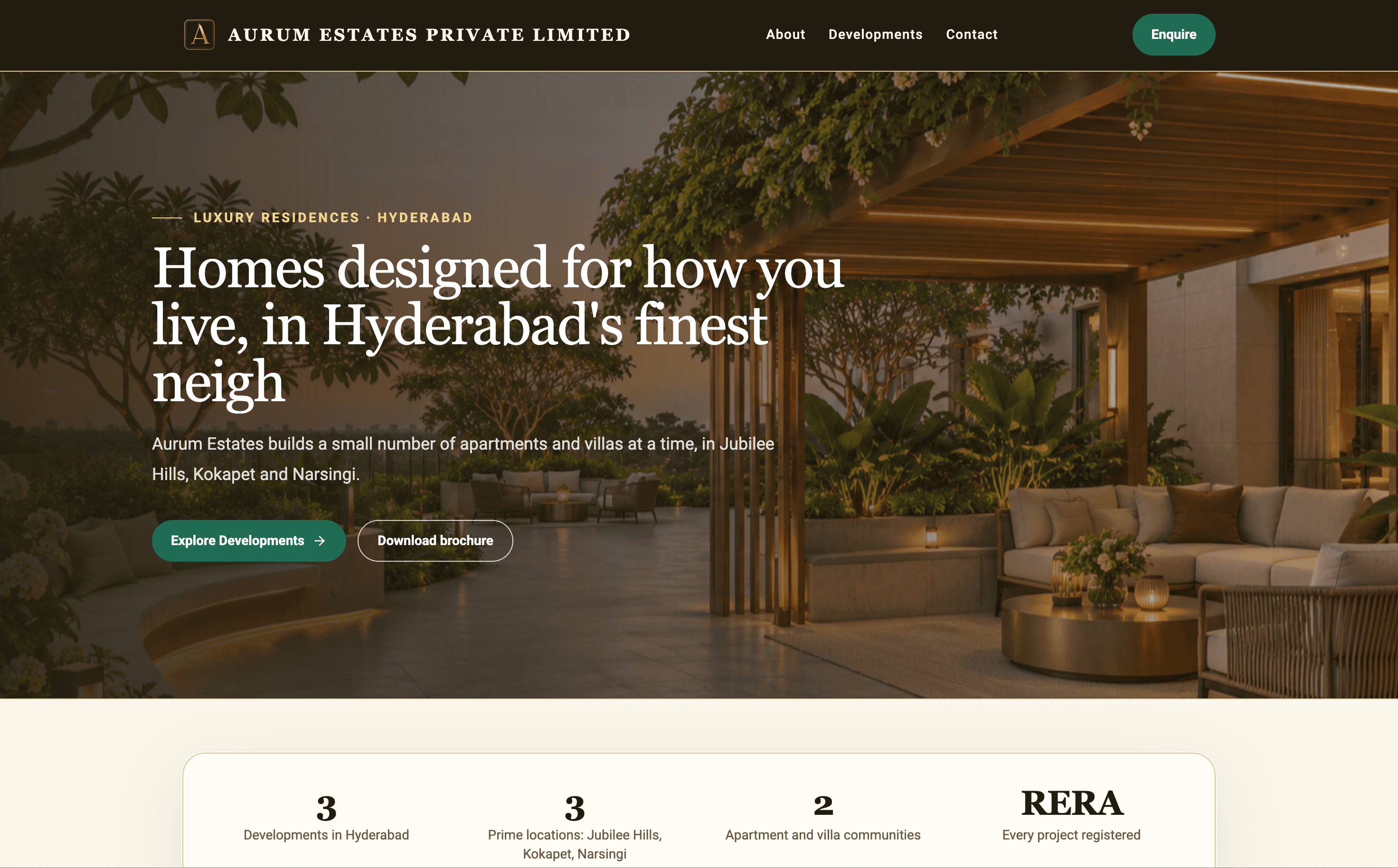
Open live demo site (opens in a new tab)Luxury
Refined residences with a gold and dark finish.
Open live demo site (opens in a new tab)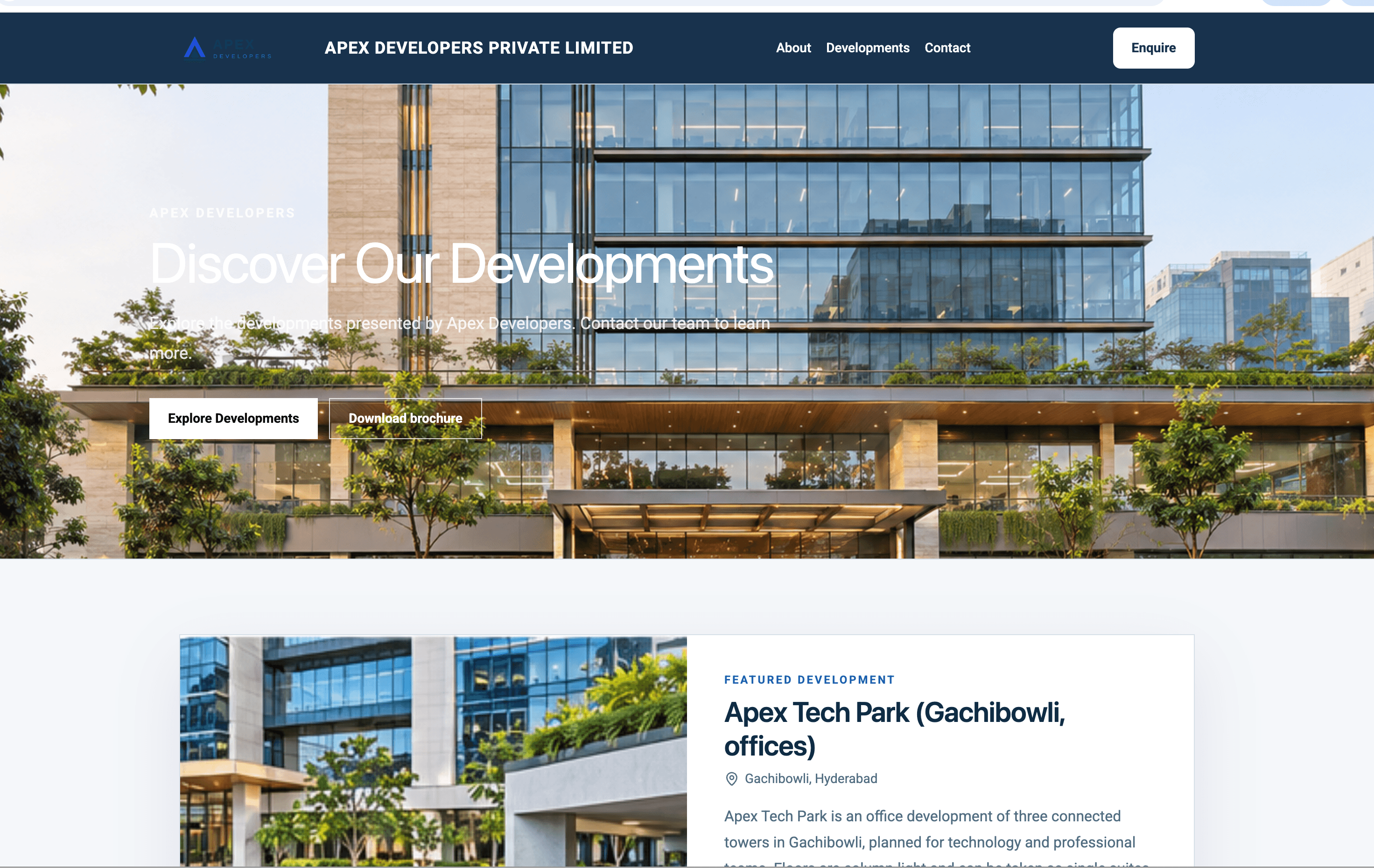
Commercial
Office, retail and business-park portfolios.
Open live demo site (opens in a new tab)Built for builders in India
Questions, answered plainly
A website builder and a built-in CRM for real-estate builders and developers in India. You set up a branded website for your company or each project, and manage the enquiries it brings in.
No. The builder guides you step by step, and you decide when your website goes live.
When you choose to publish. Until then it stays private, so you can prepare and preview it first.
Yes. Administrators set everything up. Sales members work their assigned leads, follow-ups and site visits.
Yes. Add your domain and follow the DNS steps in the guide.
Growth is ₹1,150 per month, with GST included.
No. Creating an account does not create a charge.
Yes. Subscribe from Billing inside your workspace by card, UPI or net banking. Plans renew automatically and you can stop renewal any time.
Contact SupportGet started
Create an account to open your secure workspace. You can complete your company profile later. Creating an account does not create a charge.