
Start here01
Getting Started with IND EstatePilot
Sign in safely, complete the optional company profile, find your way around the Dashboard, and take your first private workspace actions.
Guidelines Centre
Clear, current guides for builders and sales teams. Read online or download a PDF.

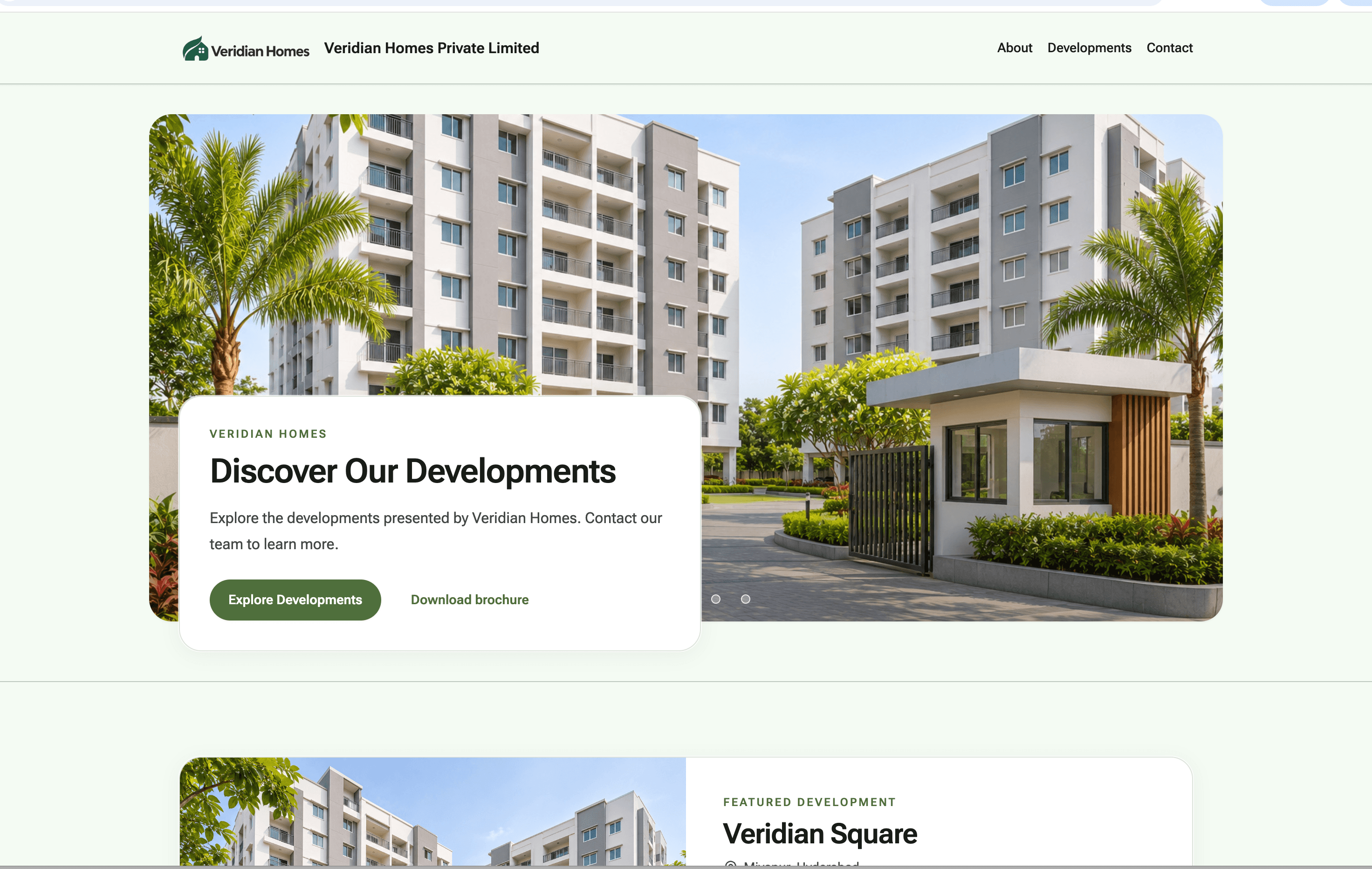
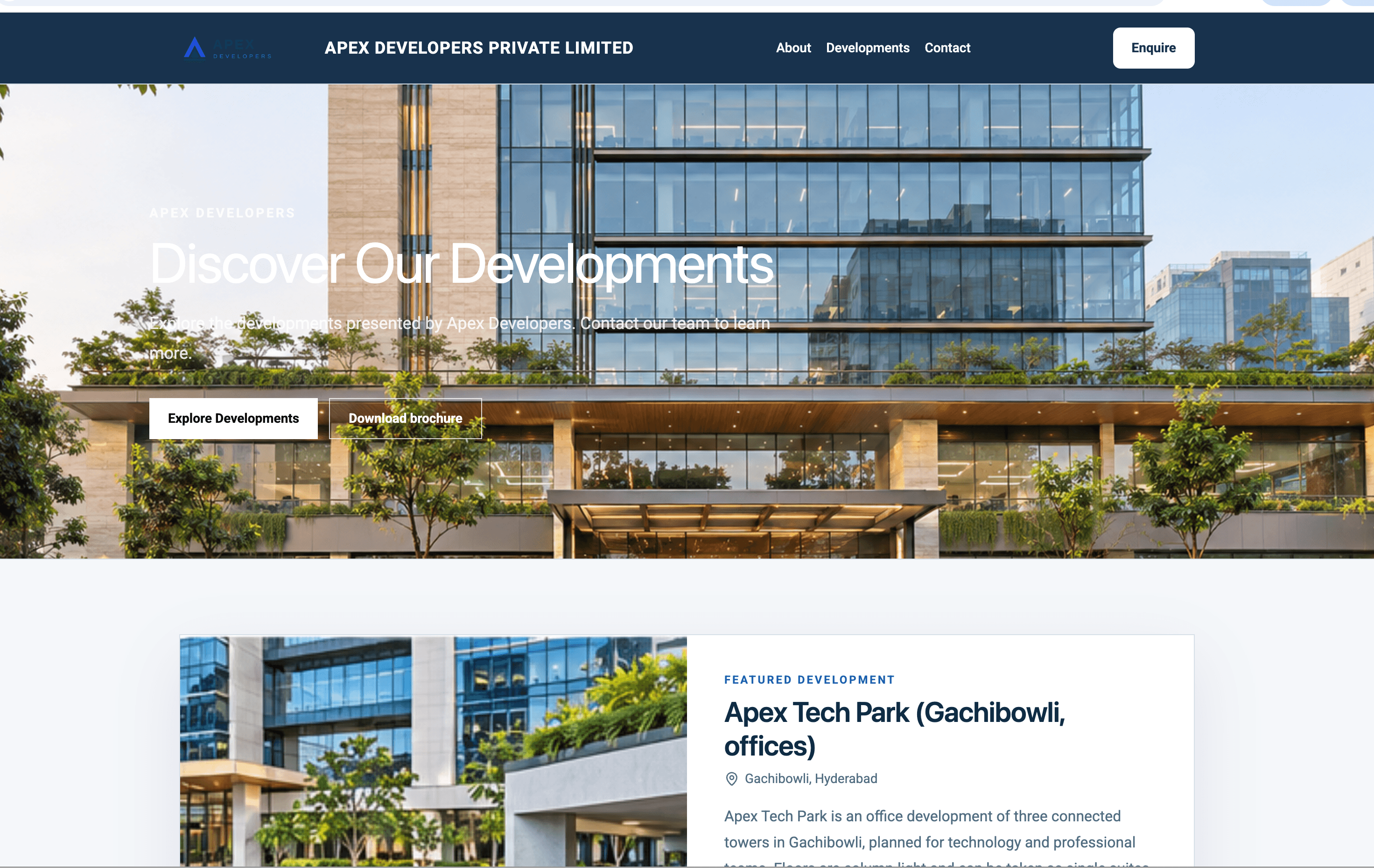
See it live
One for each website foundation. They show sample content, so prices, distances and registration numbers are invented.
Practical homes for growing families.
Visit demo site
Refined residences with a gold and dark finish.
Visit demo site
Office, retail and business-park portfolios.
Visit demo site
Documentation
Nine guides, each versioned and dated. Read online or download a PDF.
Sign in safely, complete the optional company profile, find your way around the Dashboard, and take your first private workspace actions.
Prepare a Website Project, its content and media, and check readiness without confusing a saved draft with a published website.
Choose a style pack, one of ten accent colours and your heading and body fonts, and see exactly what changes on the live website.
Work through every development step in order, from identity and highlights to documents, Legal & RERA and approval.
Add Privacy Policy and Terms, clear Final review blockers, publish, and read what the Website percentage is counting.
Understand domain ownership, the exact DNS guidance, verification and certificate gates, and why no timing promise is made.
See what each demo website shows, which foundation it uses, and how to pick the closest style for your own project.
Follow a factual sequence for discovery, workspace setup, hand-off and escalation so every launch journey stays safe.
Share public guidance with an approved AI assistant while keeping private account, customer and operational information out of prompts.
Lifecycle
Step 1
Name, phone, email and city.
Step 2
Logo, contact and Style Studio.
Step 3
Set up, approve and link each project.
Step 4
Both are required before review.
Step 5
Clear every blocker, then request review.
Step 6
Visitors see your website.
Visit the Help Centre, or contact Support. Never send passwords, secure links or customer information.